Arcade Floor / Skill Row / Geometry: Black Wave
Geometry: Black Wave
The pitch
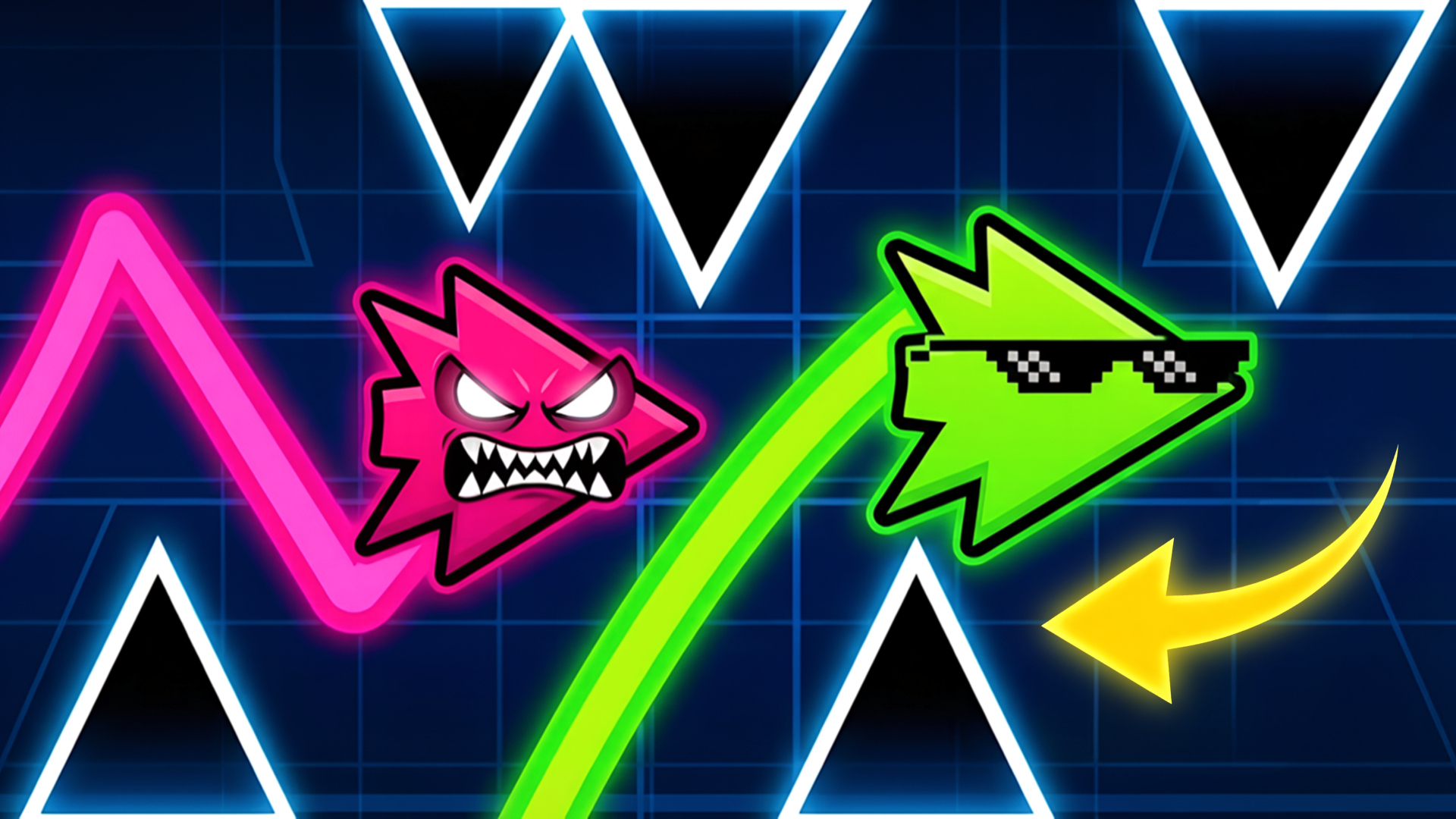
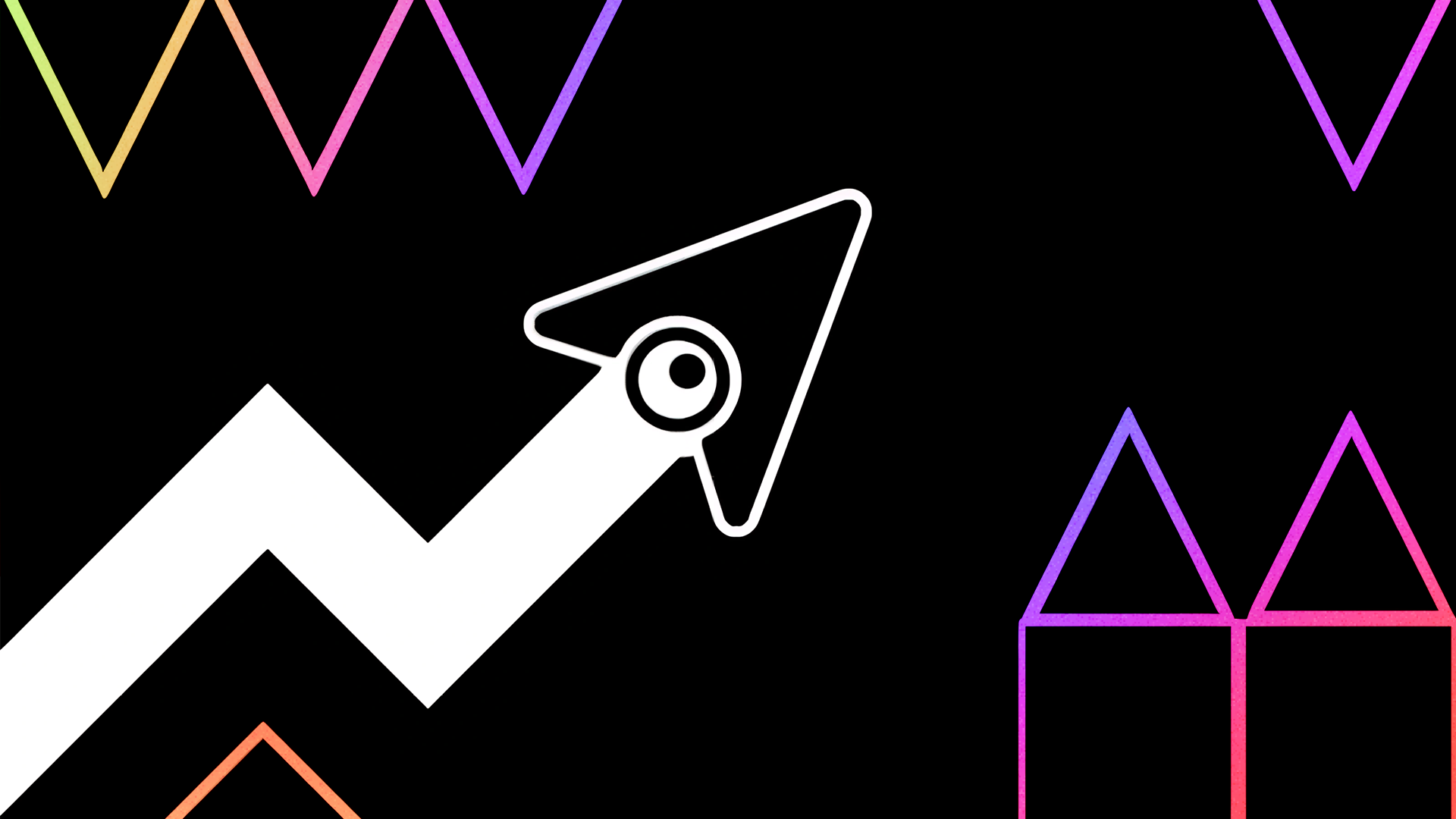
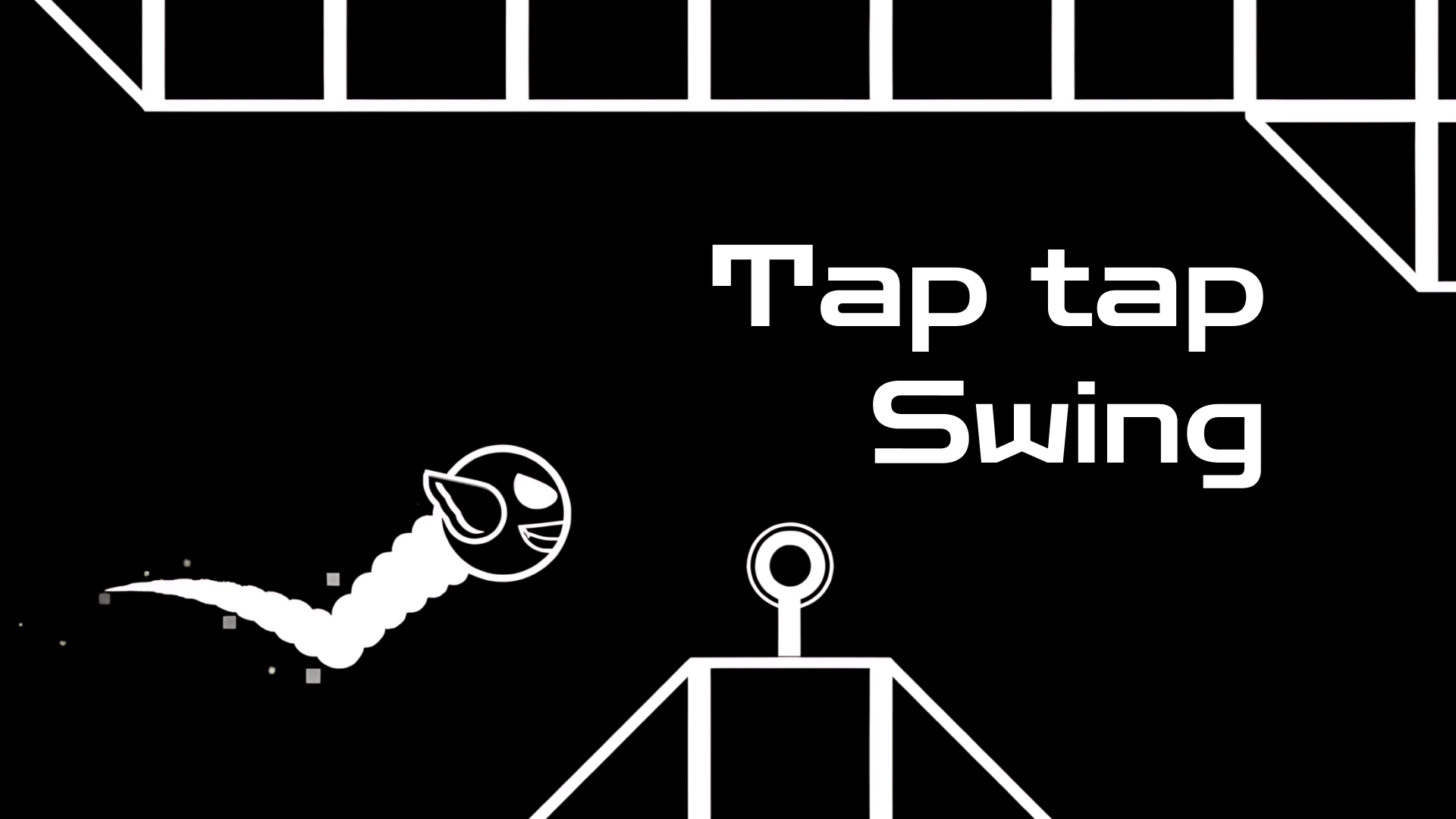
“Geometry: Black Wave” is a musical platformer game in which the player controls a small arrow, overcoming various obstacles and hurdles on the way to the finish line. The game features black and white graphics and an exciting soundtrack that is synchronized with the gameplay. The game offers many levels of varying difficulty, each with its own unique music. The player must react quickly to obstacles and move in the right direction to reach the end of the level. “Geometry: Black Wave” is a game that requires the player to react quickly and move accurately. It is suitable for all ages and skill levels, and can be a great way to pass the time and have fun.
Controls & how it runs
"Geometry: Black Wave" can be tricky, but with these detailed instructions, you'll be able to master it in no time: 1. Start the game and select a level. The difficulty of the level depends on the emoji drawn on the button. 3. To move up, tap and hold the screen. The longer you press the screen, the higher the wave will rise, but until it hits the wall. 4. To move downward, release the screen. This will cause the wave to start moving downward until it reaches the ground. 7. The wave can overcome various obstacles such as spikes, blocks and other obstacles. But be careful: if the wave touches any obstacle, you will lose. 8. Ride the wave to the finish line to overcome the level and get a high score. These are the basic instructions for "Geometry: Black Wave". Don't be afraid to experiment and practice to become the best in this game.
Getting a run going takes exactly one press: Press start, up top, and the game boots inside this page — nothing downloads in the background and no form wants your details before the first jump. The cabinet is drawn for a landscape (wide) screen and listens to mouse, keyboard or touch, whichever the game prefers. This cabinet runs wide: landscape screens flatter it, so tip a phone on its side or hand it a tablet or desktop and let it stretch out. Given a fullscreen button, use it — scores look better at full size, that's just science.
Pro tips for skill cabinets
- Slow is smooth, smooth is fast. On skill cabinets the players topping the table are rarely the quickest clickers — they're the ones whose movements never need correcting.
- Miss on purpose once. Deliberately failing an easy section teaches you the timing window better than ten passes you fluked through with your eyes half closed.
- Change one thing per run. If you adjust your whole approach after every failure you'll never learn which adjustment actually worked — isolate the variable, then commit.
Geometry: Black Wave — quick-fire questions
Does Geometry: Black Wave cost anything to play?
Not a token. The cabinet is free from the first run to the five-hundredth — no wallet, no sign-up, no toll booth hiding three levels in. The adverts around the page are what keep the floor's lights on.
What sort of game is Geometry: Black Wave?
It stands on our Skill row — that's the family it plays most like. The pitch above is the publisher's own rundown of what it throws at you and what it hands back.
Can I play Geometry: Black Wave on my phone?
Happily, yes. It runs inside the browser on phones and tablets the same way it does on a computer. This cabinet runs wide: landscape screens flatter it, so tip a phone on its side or hand it a tablet or desktop and let it stretch out.
Do I need to install anything first?
Nothing whatsoever. Geometry: Black Wave is an HTML5 game: hit the start button and it boots on this page, and shutting the tab sweeps the cabinet clean behind you.
Before you wander off
Personal best banked, or still chasing it? Either way the full Skill row is powered on and waiting — One hundred and seventy games that grade your hands, not your luck. Skill cabinets are where 'I almost had it' turns into one more run, and then somehow into twelve.