Arcade Floor / Arcade Row / Geometry Vibes 3D
Geometry Vibes 3D
The pitch
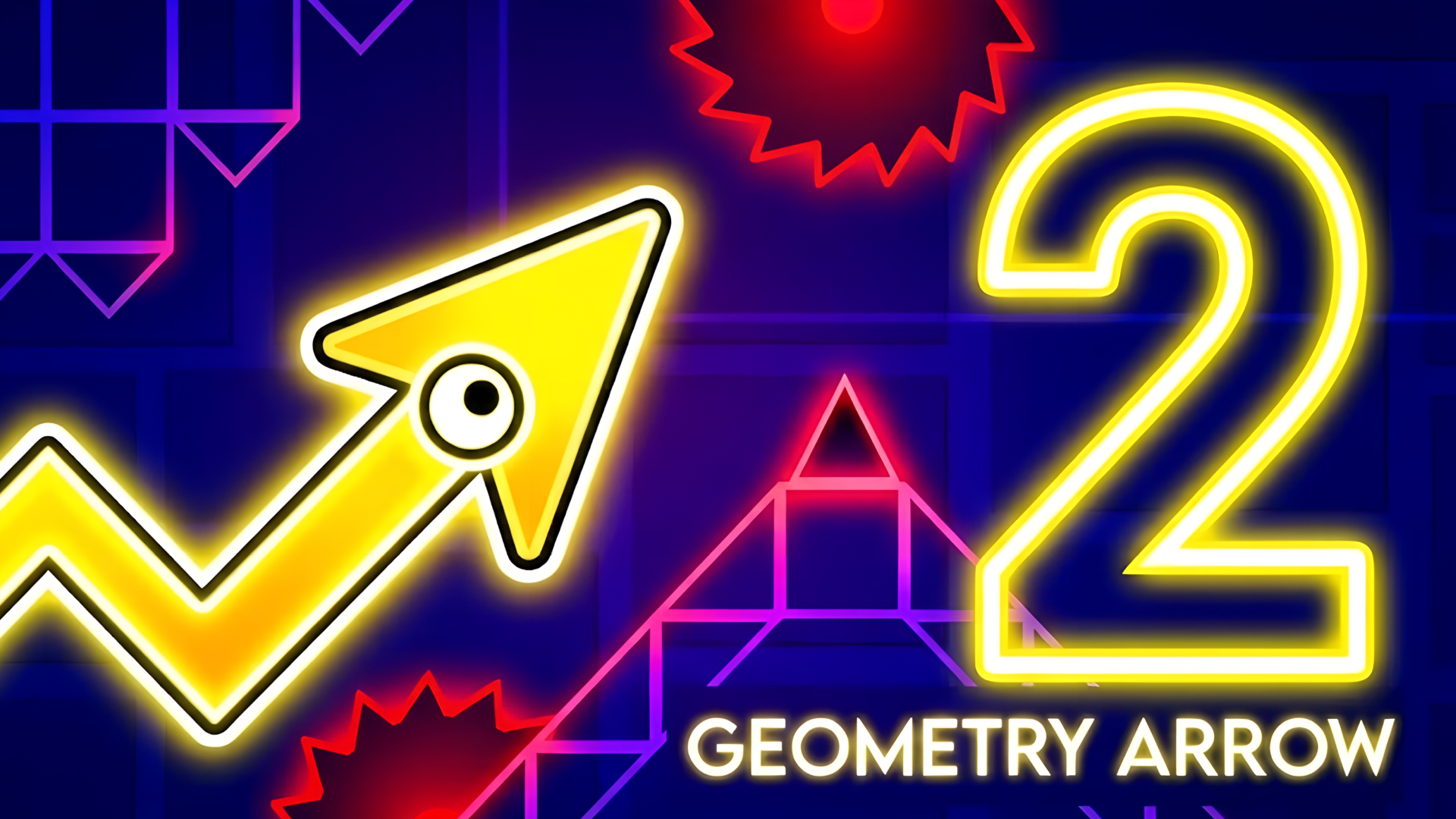
Geometry Vibes 3D takes everything you loved about the original Geometry Vibes and brings it into a vibrant, dynamic 3D world. With fully reimagined levels and stunning new visuals, this version elevates your reflexes and rhythm-based skills to new dimensions. Geometry Vibes 3D introduces exciting additions to elevate your experience: Collectible Stars: Each level in Classic Mode has 3 stars to collect, with a total of 90 stars across all levels and difficulties (30 per difficulty). Stars serve as a badge of skill and currency to unlock exclusive items! Market: Spend your hard-earned stars to unlock a special arrow skin or choose from dazzling 3D skins and trails to customize your vibe. Leaderboard for Endless Mode: Compete globally and see how you stack up against players worldwide. Difficulty Modes: Classic Mode now offers Rookie, Pro, and Expert settings, catering to beginners and veterans alike. How is Geometry Vibes 3D different from the original Geometry Vibes? Geometry Vibes 3D reimagines the original with fully 3D levels, new features like collectible stars, difficulty modes (Rookie, Pro, Expert), a global Leaderboard, and a Market for skins and trails. The multiplayer is streamlined to 2-Player Mode for a cleaner experience. Can I play Geometry Vibes 3D on my phone? Absolutely! The game is optimized for mobile devices with smooth touch controls, ensuring a seamless experience on both iOS and Android. How do I unlock the special arrow skin? Collect stars in Classic Mode to unlock the exclusive arrow skin in the Market. You can earn up to 90 stars by completing all levels in Rookie, Pro, and Expert difficulties. Is there an online multiplayer mode? Geometry Vibes 3D features local 2-Player Mode for face-to-face competition. While there’s no online multiplayer, you can compete globally via the Endless Mode Leaderboard. Why is there only 2-Player Mode instead of 4-Player Mode like the original? To maintain clear visuals and avoid clutter in the 3D environment, we focused on a polished 2-Player local multiplayer experience.
Controls & how it runs
Player 1: W, Left Mouse Click, or Spacebar. Player 2 (in 2 Player Mode): Up Arrow Key. Mobile Devices: Tap anywhere on the screen to jump – touch controls are fully supported.
Getting a run going takes exactly one press: Press start, up top, and the game boots inside this page — nothing downloads in the background and no form wants your details before the first jump. The cabinet is drawn for a landscape (wide) screen and listens to mouse, keyboard or touch, whichever the game prefers. This cabinet runs wide: landscape screens flatter it, so tip a phone on its side or hand it a tablet or desktop and let it stretch out. Given a fullscreen button, use it — scores look better at full size, that's just science.
Pro tips for arcade cabinets
- Treat your first run as a scouting mission. Arcade cabinets hide their cruelty in the second minute, not the first — learn where the difficulty spikes before you start chasing numbers.
- Small scores compound. Grab the easy pickups on every pass instead of gambling the whole run on one heroic line; heroes respawn, banked points don't evaporate.
- Watch the edges of the screen. In classic arcade design the next problem almost always enters from somewhere you weren't looking — build the habit of scanning the borders.
Geometry Vibes 3D — quick-fire questions
Does Geometry Vibes 3D cost anything to play?
Not a token. The cabinet is free from the first run to the five-hundredth — no wallet, no sign-up, no toll booth hiding three levels in. The adverts around the page are what keep the floor's lights on.
What sort of game is Geometry Vibes 3D?
It stands on our Arcade row — that's the family it plays most like. The pitch above is the publisher's own rundown of what it throws at you and what it hands back.
Can I play Geometry Vibes 3D on my phone?
Happily, yes. It runs inside the browser on phones and tablets the same way it does on a computer. This cabinet runs wide: landscape screens flatter it, so tip a phone on its side or hand it a tablet or desktop and let it stretch out.
Do I need to install anything first?
Nothing whatsoever. Geometry Vibes 3D is an HTML5 game: hit the start button and it boots on this page, and shutting the tab sweeps the cabinet clean behind you.
Before you wander off
Personal best banked, or still chasing it? Either way the full Arcade row is powered on and waiting — The main floor: 415 cabinets of pure arcade stock — the quick, the loud and the gloriously unfair. If it beeps, flashes and dares you to beat a number, it lives on this row.
| Row | Arcade |
| Also filed under | 3D, Two Player |
| Screen | landscape |
| Price | Free |
| Plays on | Android, For IOS, For Desktop (browser) |
| In-game purchases | None listed |