Arcade Floor / Obby Row / Obby Easy Grow!
Obby Easy Grow!
The pitch
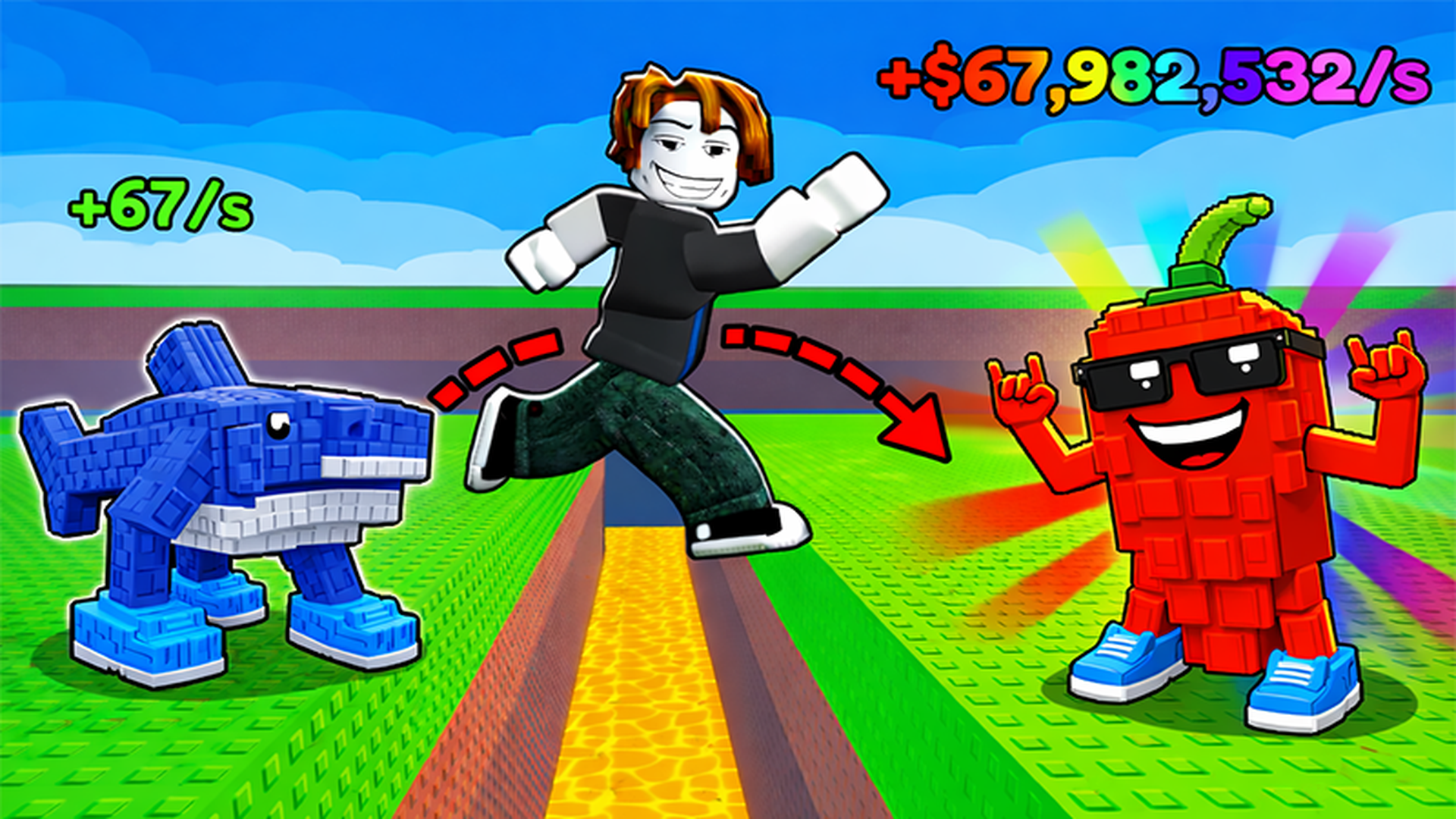
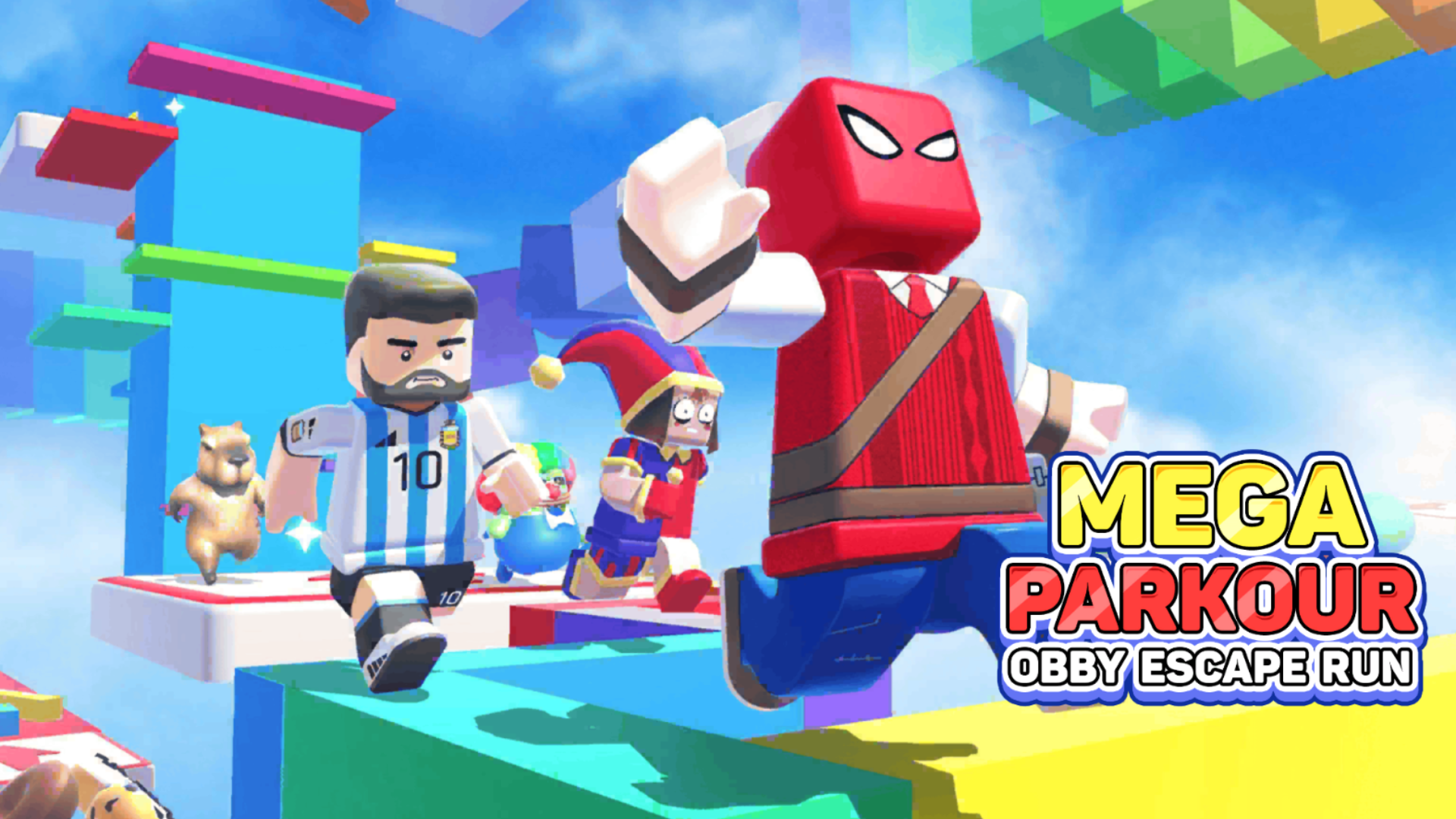
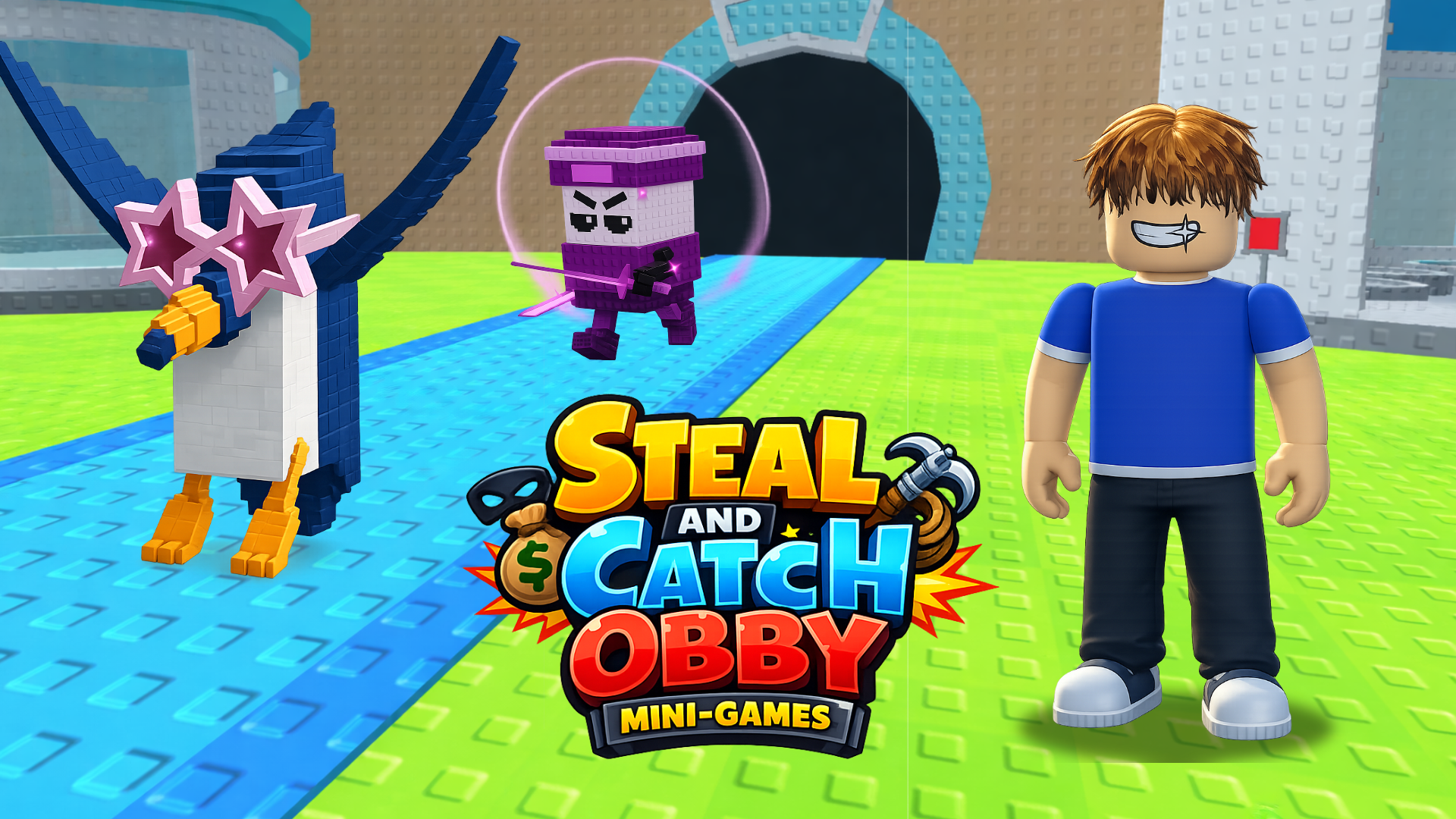
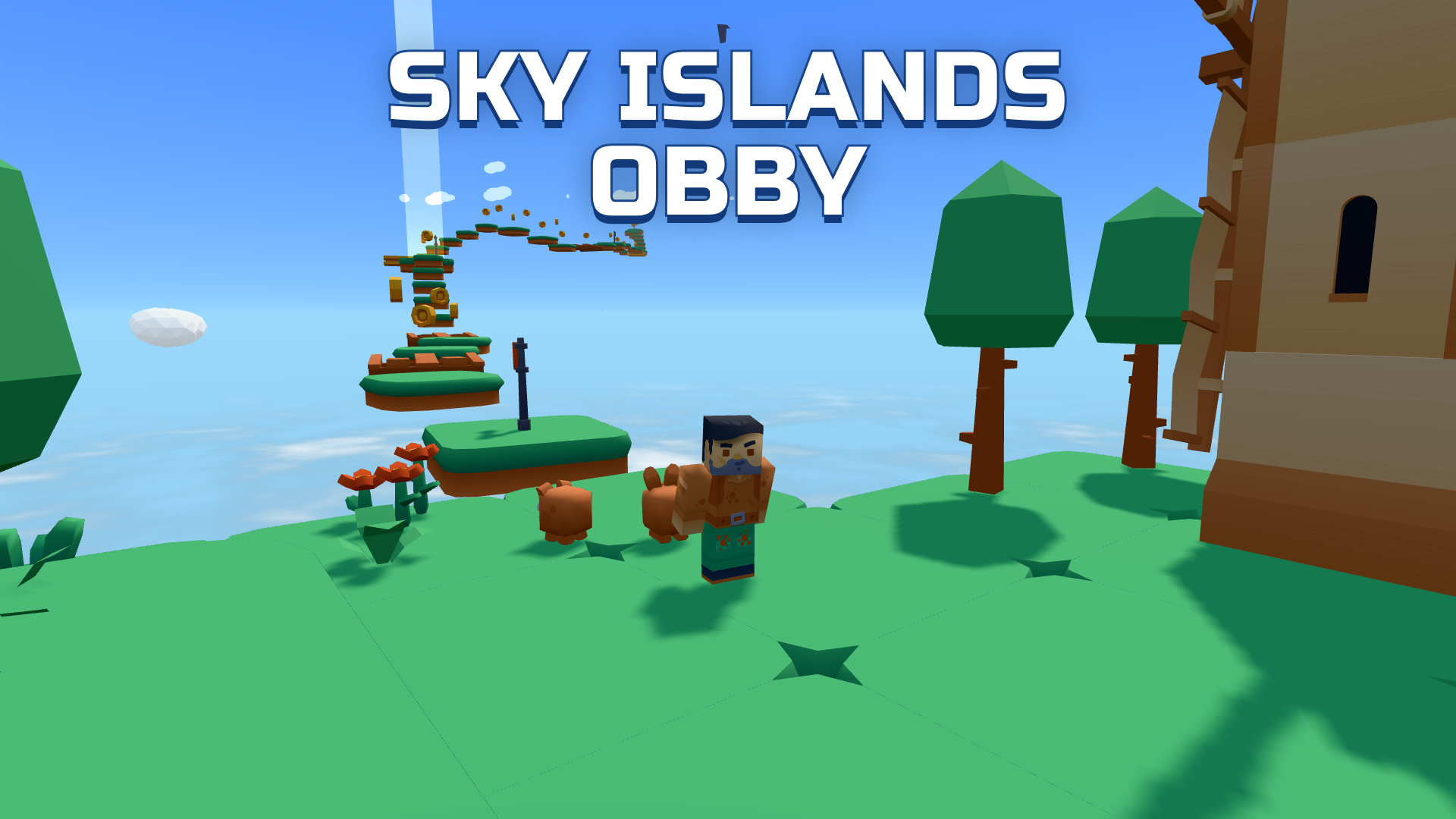
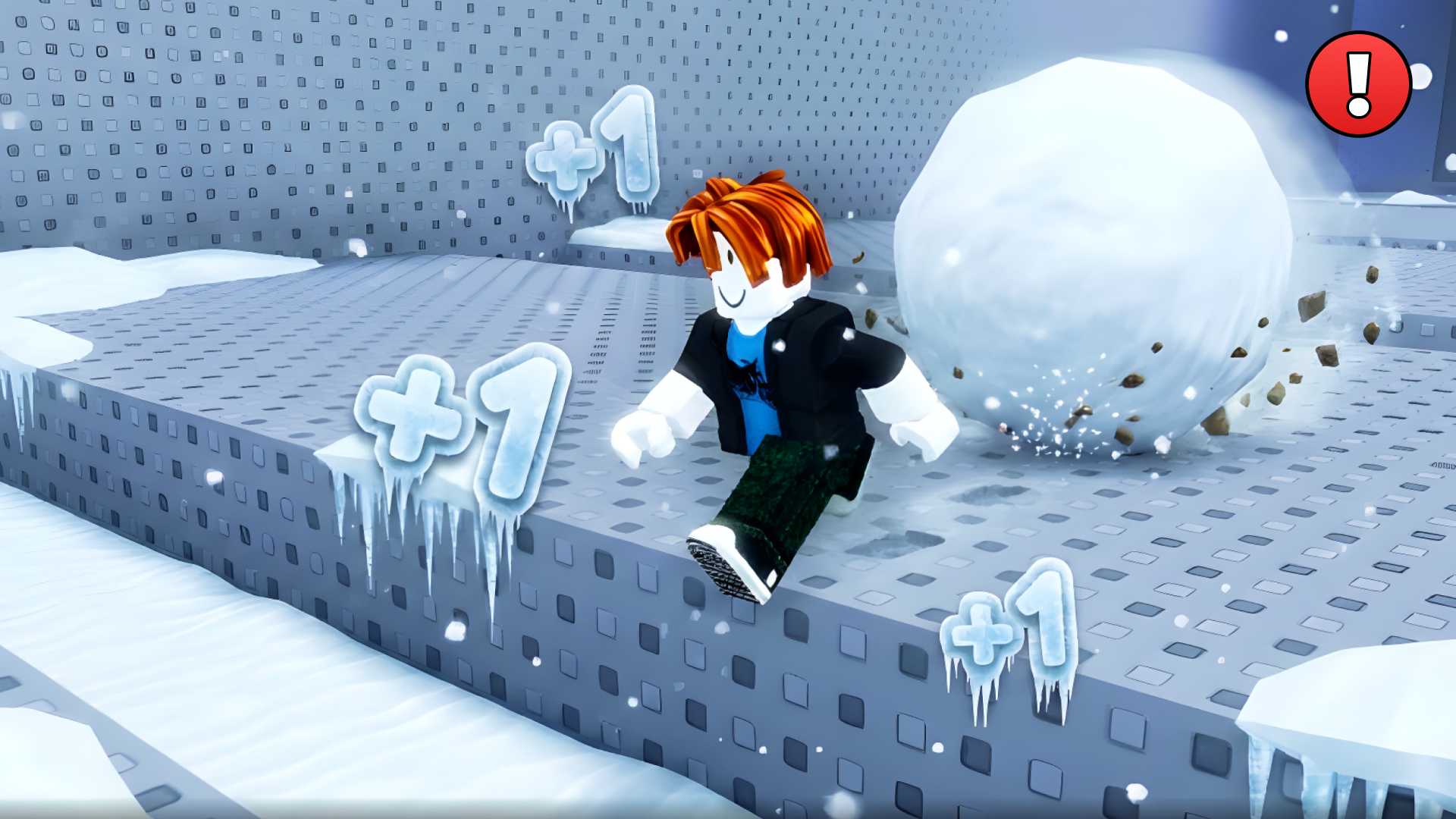
A game in Roblox style with the Obby mode! Complete exciting and varied obstacle courses for a while, using checkpoints to save your progress and not start all over again if you accidentally fall. Incredible challenges and unique mechanics await you here! The main feature of the game is the ability to change the size of the character to overcome obstacles and find a way to the finish. The game has a large selection of characters and deep customization: choose the appearance, clothes and accessories to create a unique hero. Each level is a new challenge, where it is important not only to complete the track, but also to do it faster than everyone else. Watch the timer and improve your results to become the best in this game. Nice graphics with bright colors and detailed levels make the game visually attractive, and smooth animation adds pleasure from the passage. Compete with friends and players from all over the world to take first place in the leaderboard!
Controls & how it runs
The goal of the game: complete the game for a while. You can change the size of the character by moving the slider on the screen, as well as using the mouse wheel Hold RMB to rotate the camera (with the cursor visible). Controls: Shift - show cursor WASD - move. Space - jump. TAB - pause. F - push the enemy Mouse wheel forward/backward - change size On the phone: Use the game interface
Getting a run going takes exactly one press: Press start, up top, and the game boots inside this page — nothing downloads in the background and no form wants your details before the first jump. The cabinet is drawn for a landscape (wide) screen and listens to mouse, keyboard or touch, whichever the game prefers. This cabinet runs wide: landscape screens flatter it, so tip a phone on its side or hand it a tablet or desktop and let it stretch out. Given a fullscreen button, use it — scores look better at full size, that's just science.
Pro tips for obby cabinets
- Look one obstacle past the one you're on. Obby stages are rhythm sections disguised as architecture — reading ahead is what turns a rage course into a dance.
- Short hops beat long leaps. Two small jumps keep you in control of the landing; one heroic bound hands your fate to the bounce physics, which is not merciful.
- Every fall teaches the stage's favourite trick. Obby designers repeat their best traps with new paint — once a trap has had you once, it should never have you again.
Obby Easy Grow! — quick-fire questions
Does Obby Easy Grow! cost anything to play?
Not a token. The cabinet is free from the first run to the five-hundredth — no wallet, no sign-up, no toll booth hiding three levels in. The adverts around the page are what keep the floor's lights on.
What sort of game is Obby Easy Grow!?
It stands on our Obby row — that's the family it plays most like. The pitch above is the publisher's own rundown of what it throws at you and what it hands back.
Can I play Obby Easy Grow! on my phone?
Happily, yes. It runs inside the browser on phones and tablets the same way it does on a computer. This cabinet runs wide: landscape screens flatter it, so tip a phone on its side or hand it a tablet or desktop and let it stretch out.
Do I need to install anything first?
Nothing whatsoever. Obby Easy Grow! is an HTML5 game: hit the start button and it boots on this page, and shutting the tab sweeps the cabinet clean behind you.
Before you wander off
Personal best banked, or still chasing it? Either way the full Obby row is powered on and waiting — Obstacle courses in the blocky tradition: 45 obby cabinets of lava floors, checkpoint flags and jumps that look easier than they are. Rage is part of the ticket price.